Dispatch
 Cloud
Cloud1. Add Laravel Horizon
-
To add Laravel Horizon, run the following command:
Terminal
-
Add the
installcommand to yourbuildhook in your app configuration, so it’s run on every deploy..upsun/config.yaml
2. Create a worker to run Horizon
To run Horizon on your project, you need to add a separate worker. To do so, use the following configuration:.upsun/config.yaml
Terminal
3. Access your Horizon dashboard
If you have restricted access to Horizon in yourHorizonServiceProvider.php,
log in to your app through the web.
Then, go to /horizon to access your Horizon dashboard.
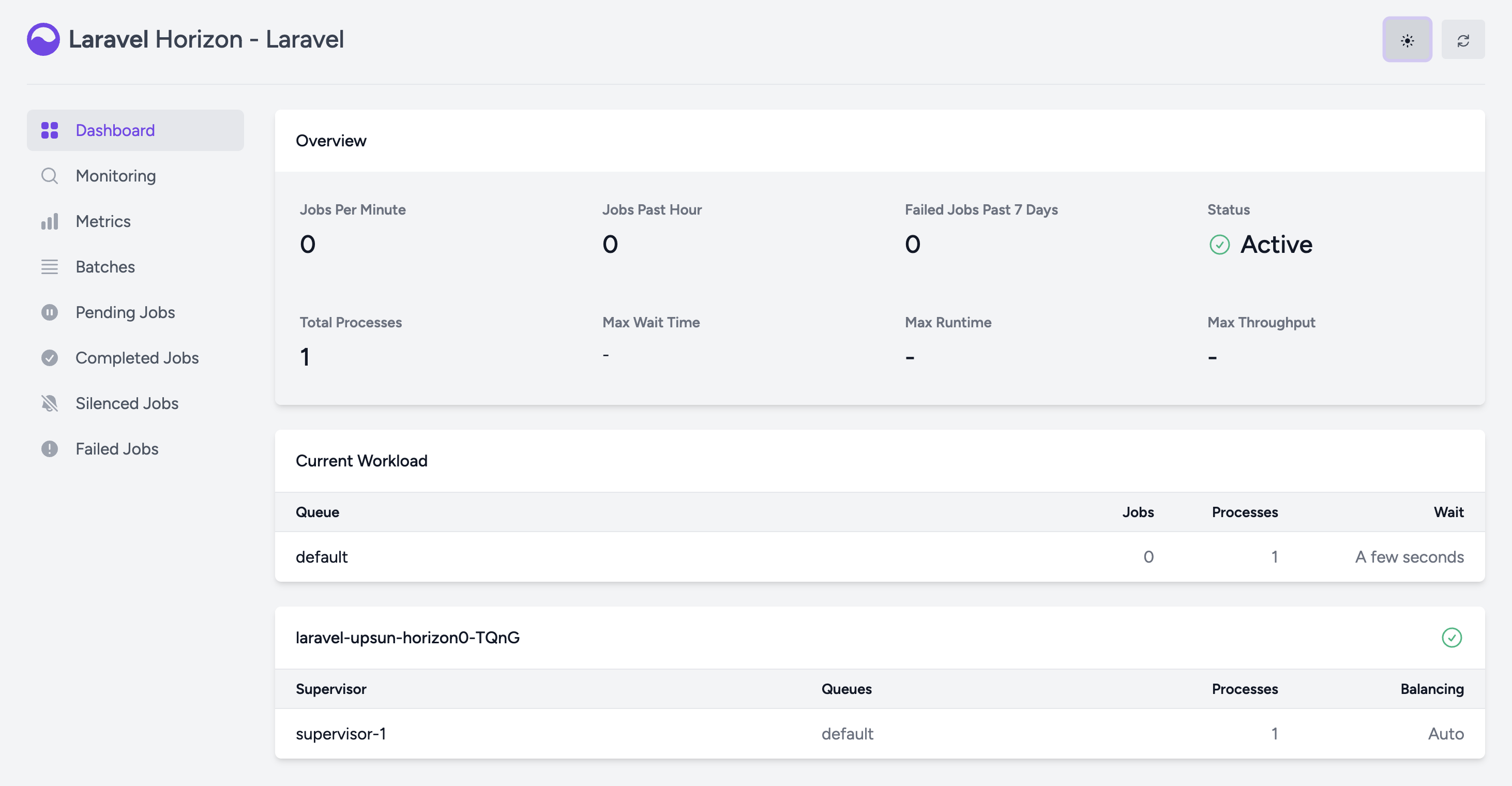
4. Optional: Customize Horizon
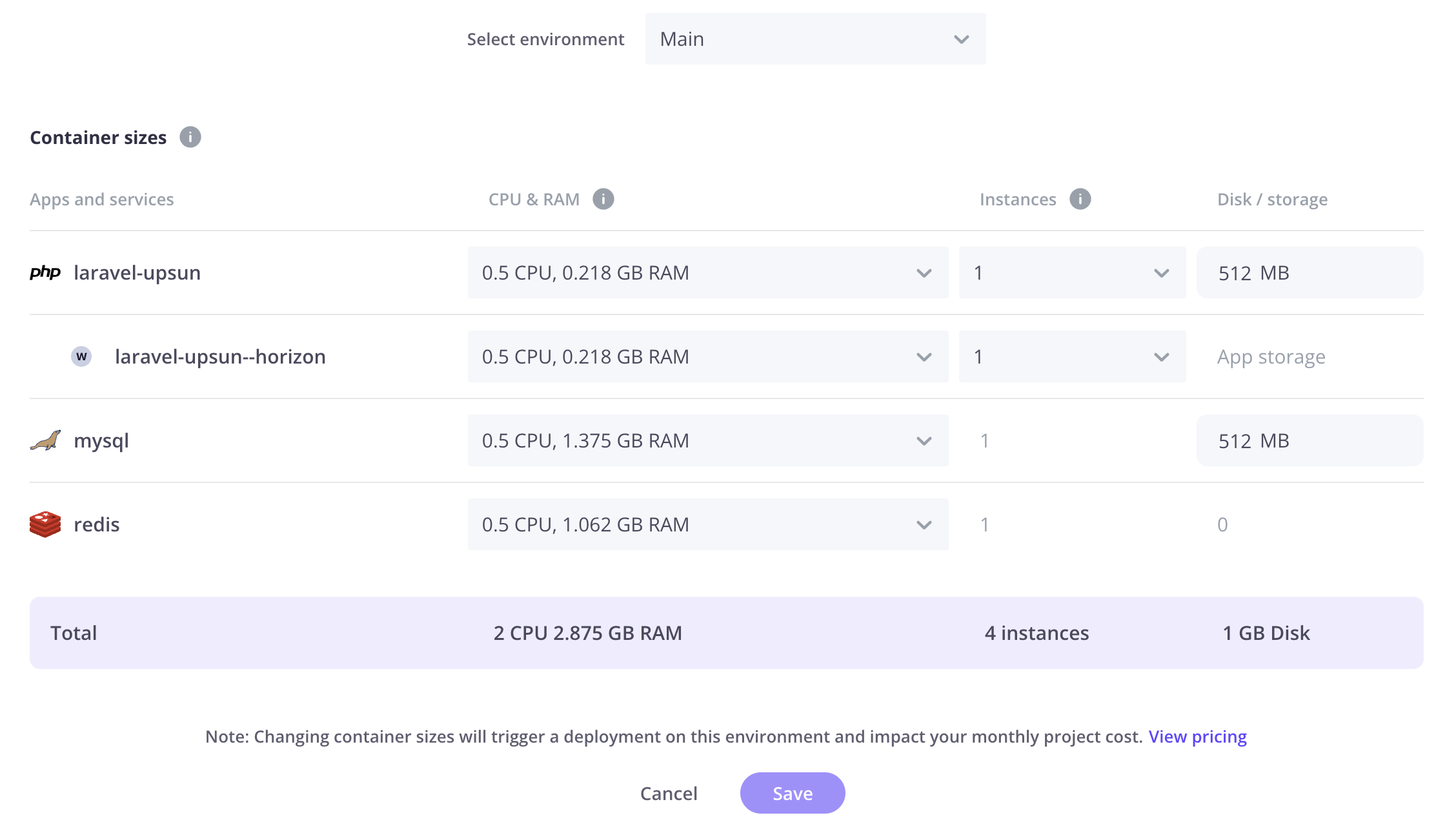
Horizon handles jobs that are populated by the queue. If you need to customize how Horizon works (queues, processes, etc.), see the official Laravel Horizon documentation. Note that you can customize the resources of your Horizon worker container from the Upsun Cloud Console.