

 Dispatch
 Cloud
CloudChoose when your services get updated
Set a maintenance window per project, and updates that need a restart wait for your chosen slot.
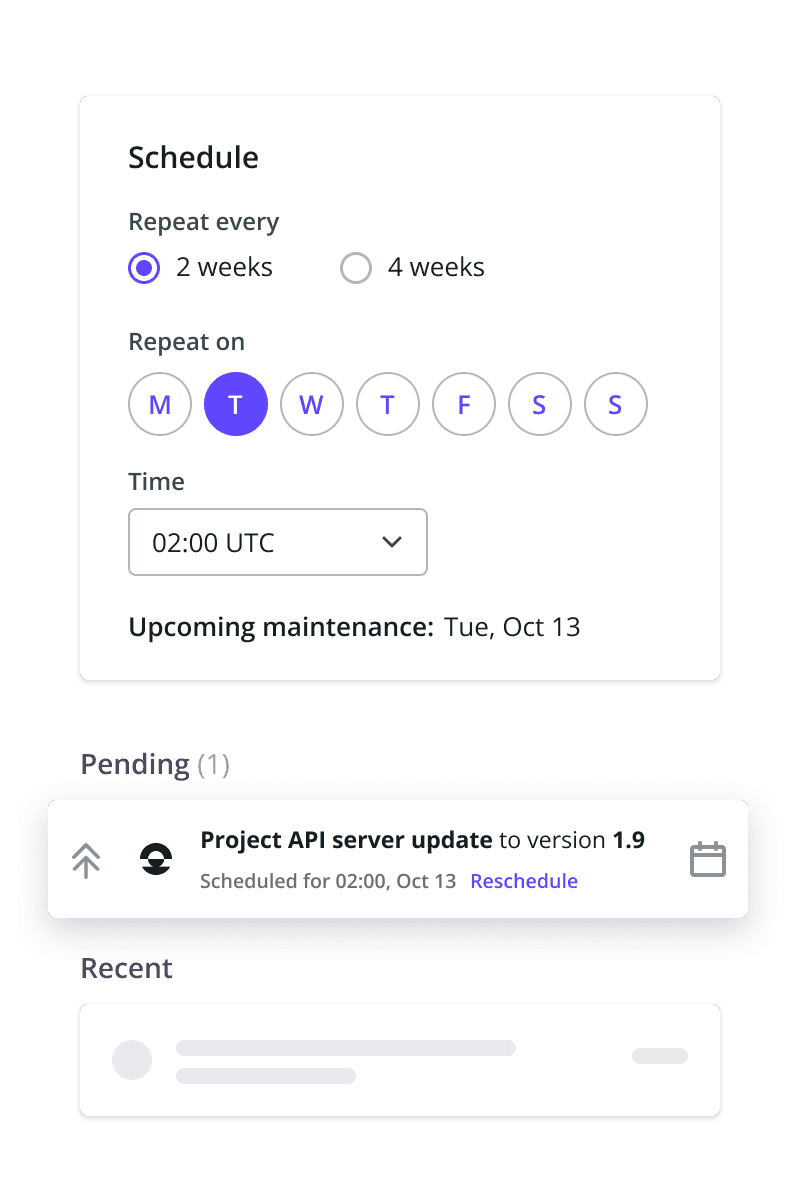 Project admins can now set a maintenance window in Console: a weekday, a time, and a 2- or 4-week recurrence. Service updates that need a restart wait for it. If nothing is pending, nothing runs.Production is updated first, other environments follow. Need to move a run? Reschedule it from the activity feed.A maintenance window is required for zero-downtime deployments and can’t be turned off once set. See the maintenance window docs.
Built-in S3-compatible object storage
Store large asset volumes directly on Upsun - fully managed and billed on your existing invoice.
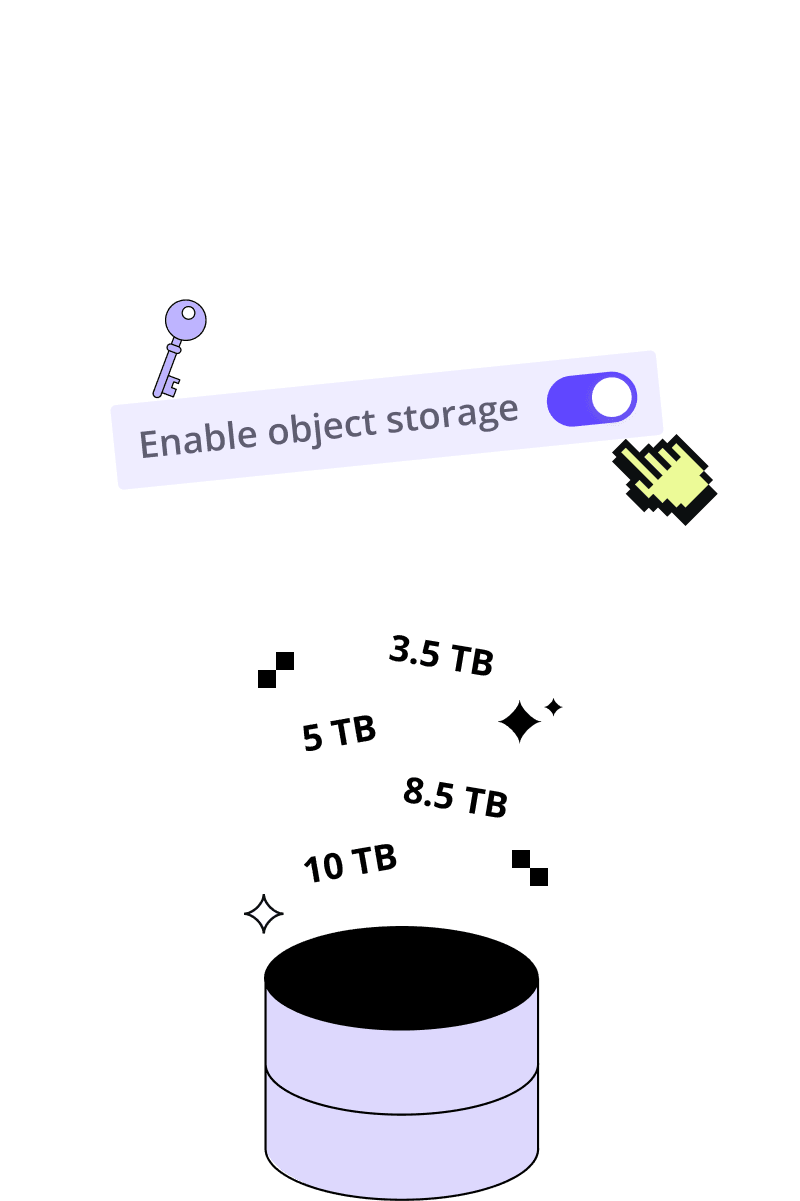 Run asset-heavy applications on Upsun without an external storage provider. Add object storage like disk storage - from the Console or CLI.Object storage is now part of your Upsun platform:
- No separate vendor - nothing external to set up or manage
- No rework - your existing S3 tools and SDKs work as-is
- No separate bill - it appears on your existing Upsun invoice
- Production-proven - already powering enterprise workloads, including ALDI
Upsun Dispatch is here!
Agentic software workflows with human approval built in - now live.
 We’ve launched Upsun Dispatch, a new way to run agentic software workflows with humans in control. Connect a GitHub or GitLab repository and let agents review code and turn issues into draft pull requests - with approval gates when your workflows require a human decision, with every run recorded.
Learn more →
Keeping your projects up to date just got easier
Upsun now flags runtimes and services that need upgrading, in the Console and deploy logs.
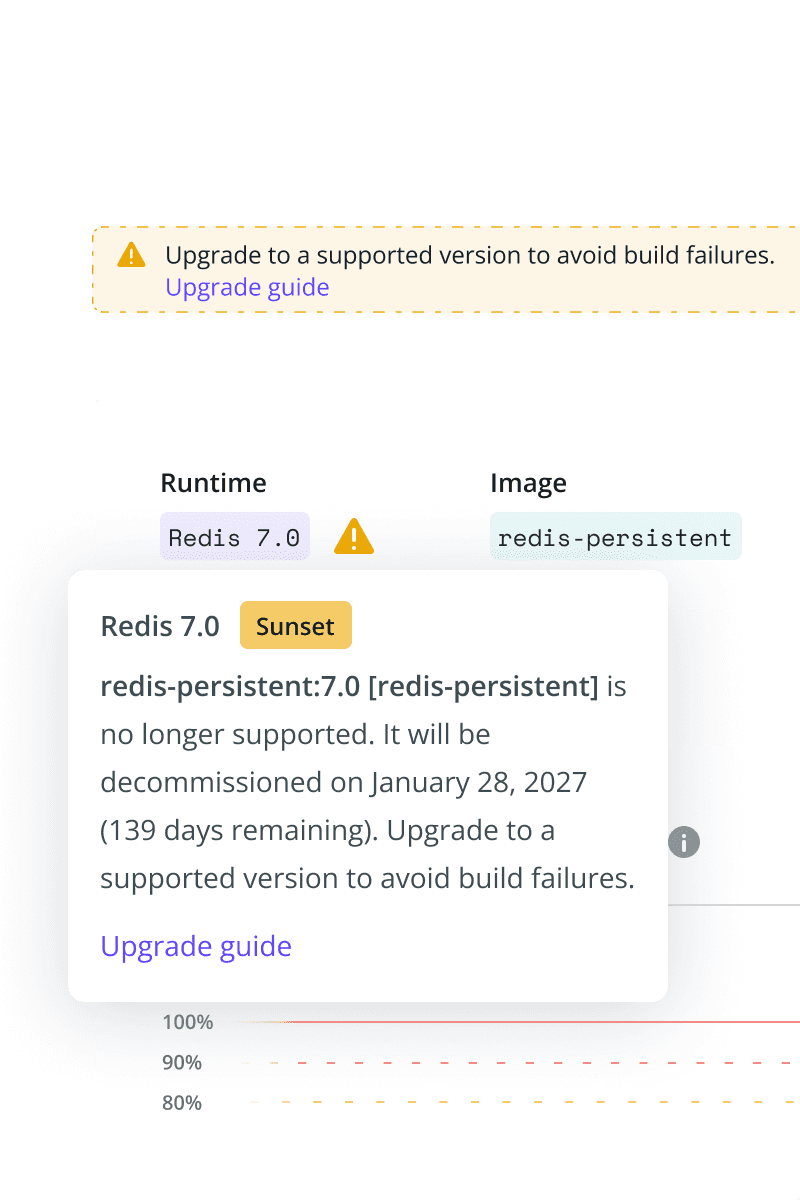 Upsun now helps you keep your projects up to date. When a runtime or service you use is no longer fully maintained, a warning appears in the Console, on your project’s Overview page, and in your deploy logs, so you see it in the browser and from your terminal.Each warning tells you what the status means, how long you have, which version to move to, and links to the upgrade steps. We are rolling this out gradually, starting with Redis. See Upgrade to a maintained version.
Dynamic response compression
Compress your app’s dynamic responses without writing any code, per location. Off by default.
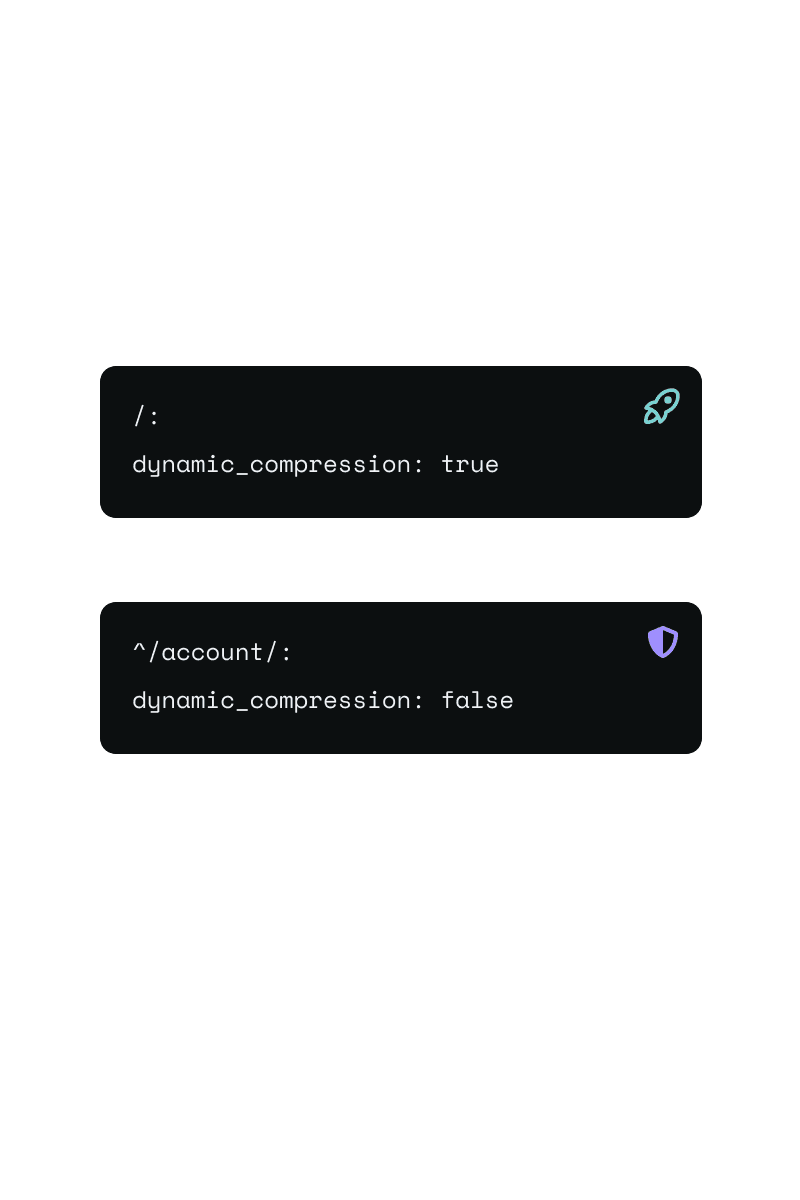 Static files were already compressed, dynamic responses were not, so that work fell to your app runtime. The new
 dynamic_compression boolean under web.locations takes it off your hands.Off by default. Turn it on per location, then opt out per rule on authenticated paths. Brotli or gzip is picked from Accept-Encoding.It reintroduces the theoretical BREACH surface, so enable it only where your framework mitigates it. Read the docs.Find performance bottlenecks faster
Automatically analyze your profiling data and code to pinpoint root causes and rank issues by user impact.
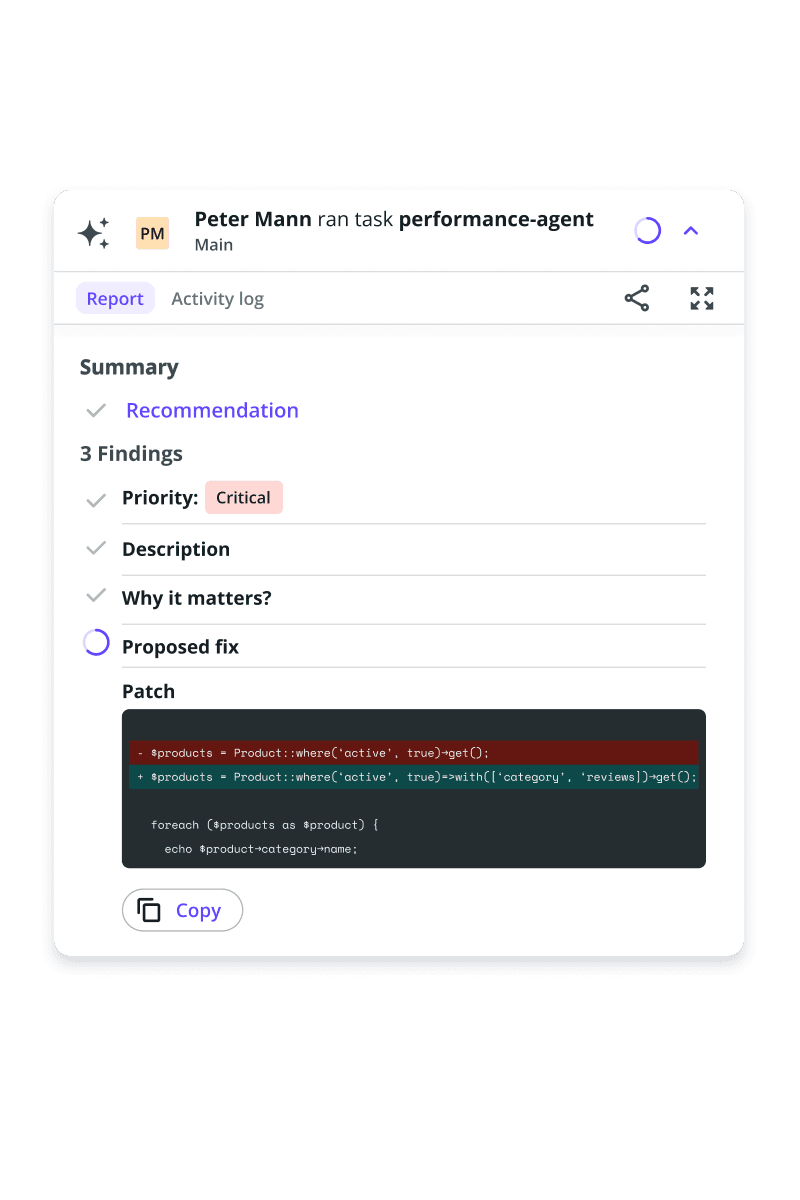 An AI agent that correlates your application profiling, traffic, and source code, then tells you what to fix.
The data to explain a slow endpoint is already there. Correlating a profile, your traffic, and the code to find the cause is the part that takes an afternoon.
The Performance Agent reads Upsun Blackfire profiles, continuous profiling data, traffic, and your application source from a deployed environment. The report explains the root cause in plain language, ranks findings by impact on user experience, and includes a code diff.
Read the documentation to get started.
Task containers are now available to all
Spin up ephemeral, API-triggered containers for run-once workloads, from batch jobs to AI agents.
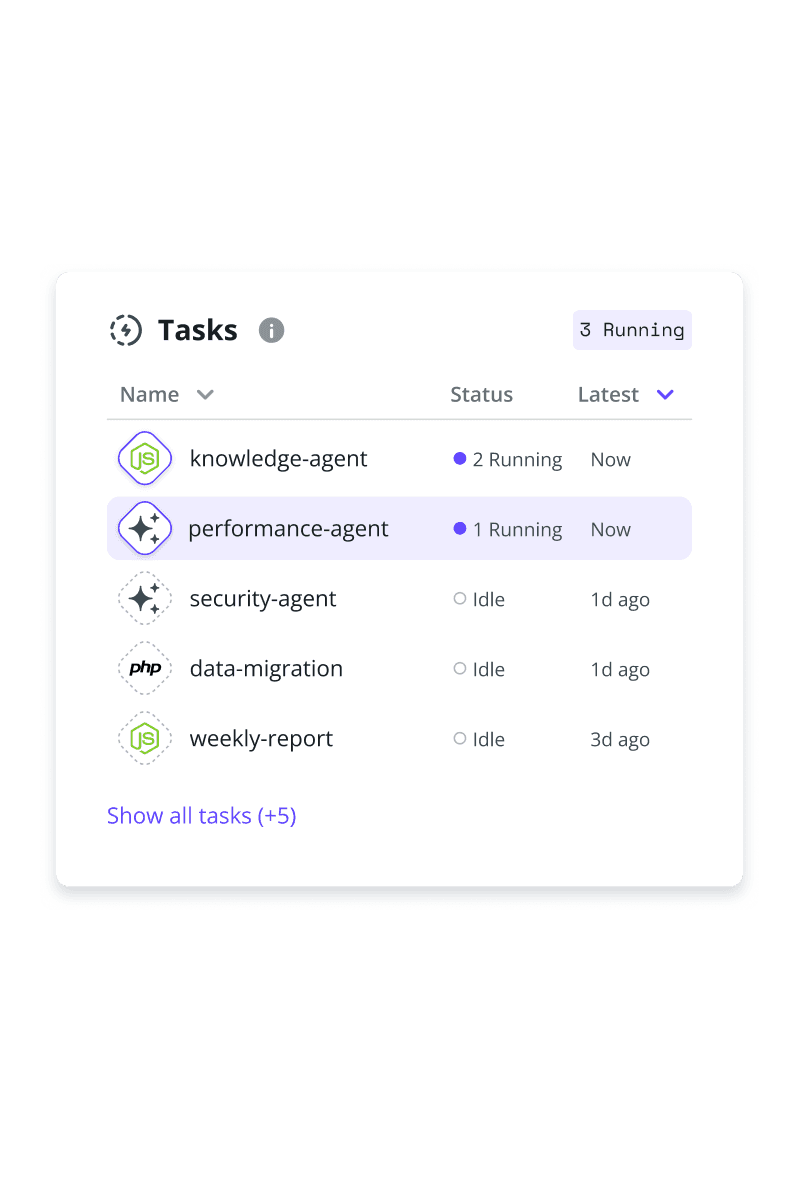 Run-to-completion work, on demand.Task containers bring a new way to run work on Upsun: ephemeral containers that spin up on an API trigger, run a command with full access to your environment’s services, then shut down when the job is done. They handle any run-to-completion workload, from data migrations and report generation to batch processing, and they give background AI agents the isolated, on-demand compute they need.Billed only while a task runs, with CLI and Console support. Read the documentation to get started.
Self-host Meilisearch on Upsun
Run Meilisearch on Upsun using its official public Docker image.
 You can now deploy Meilisearch on Upsun using its official public Docker image.This is the first verified example for self-hosted services from public Docker images. Upsun pulls the image from a public registry and runs it as-is, without requiring you to write a Dockerfile or maintain a build process.You can run any public Docker image as a self-hosted service, making it easy to experiment with other tools and services beyond Meilisearch.You remain responsible for the image version, maintenance, and security updates.
See config changes in the activity log
Quickly see when deployment configuration changed.
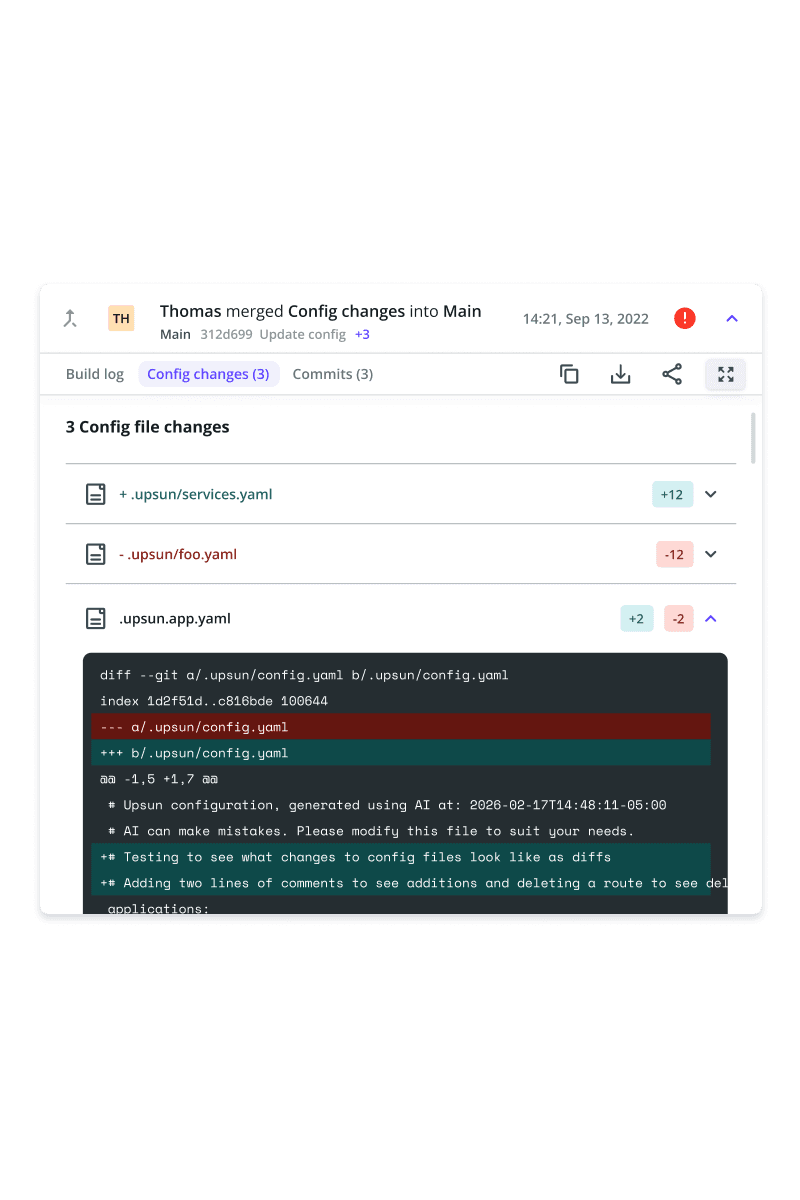 You can now view configuration changes directly in the activity log. Open a commit activity and select Config changes to see the exact changes to your Upsun configuration files.Compare added and removed lines without leaving the Console or digging through Git, making it easier to understand what changed between deployments and troubleshoot issues faster.
Task containers, now in prerelease access
Run on-demand workloads in ephemeral, API-triggered containers. From batch jobs to AI agents.
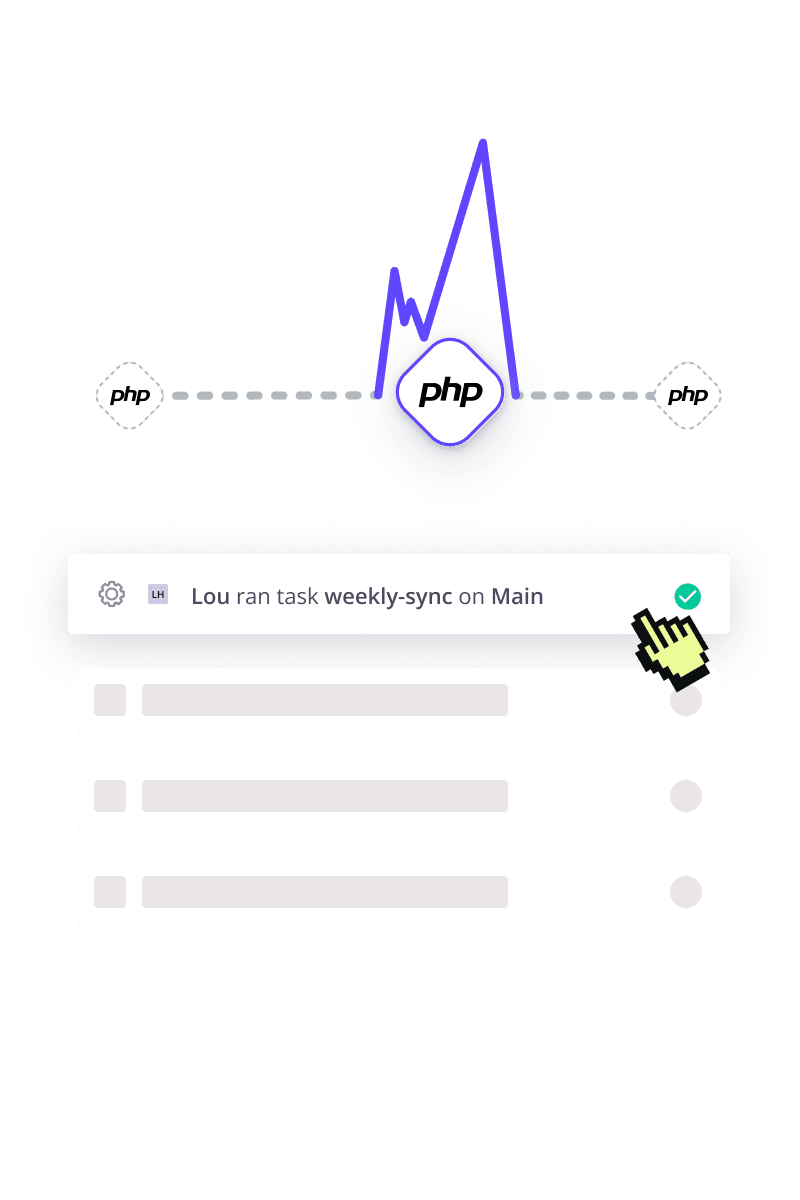 Task containers are a new infrastructure primitive: ephemeral containers that spin up on an API trigger, run a command with full access to your environment’s services, and shut down when done. They’re built for any run-to-completion workload, from data migrations and report generation to batch processing.Running isolated, on-demand code with scoped environment access, they’re also a natural fit for background AI agents.Available on Upsun Flex as a prerelease. Read the documentation to learn more and request access.
RabbitMQ 4.2 is now available
Improved quorum queues, better stream performance, and enhanced observability.
 Upgrade to RabbitMQ 4.2 for more efficient messaging and better operational visibility:Quorum queues now support single active consumer, improving message ordering and simplifying consumer coordination.Stream performance and stability improvements help handle high-throughput workloads more reliably.Enhanced observability with additional metrics and monitoring capabilities makes it easier to understand system behavior in production.With RabbitMQ 4.2, you can process messages more reliably while gaining better insight into your system’s performance.
Solr 10.0 is now available
Expanded vector search, Java 21 support, and major platform upgrades.
 Upgrade to Solr 10.0 for improved search performance, scalability, and modern platform support:Expanded vector search capabilities, including scalar and binary quantized dense vectors, improve performance and reduce memory usage.Optional GPU acceleration via cuVS-Lucene enables faster vector operations for advanced workloads.New indexing and query improvements, including enhanced KNN tuning and optimized merge policies, increase throughput and search efficiency.Modernized platform with Java 21 support, Jetty 12 upgrade, and full migration to OpenTelemetry for observability.Stability improvements with Apache Curator managing ZooKeeper interactions.This is a major release with breaking changes and removed legacy components, so review upgrade notes before migrating.
New status page is live
We’ve updated our status page, now live at status.upsun.com. Resubscribe to stay up to date.
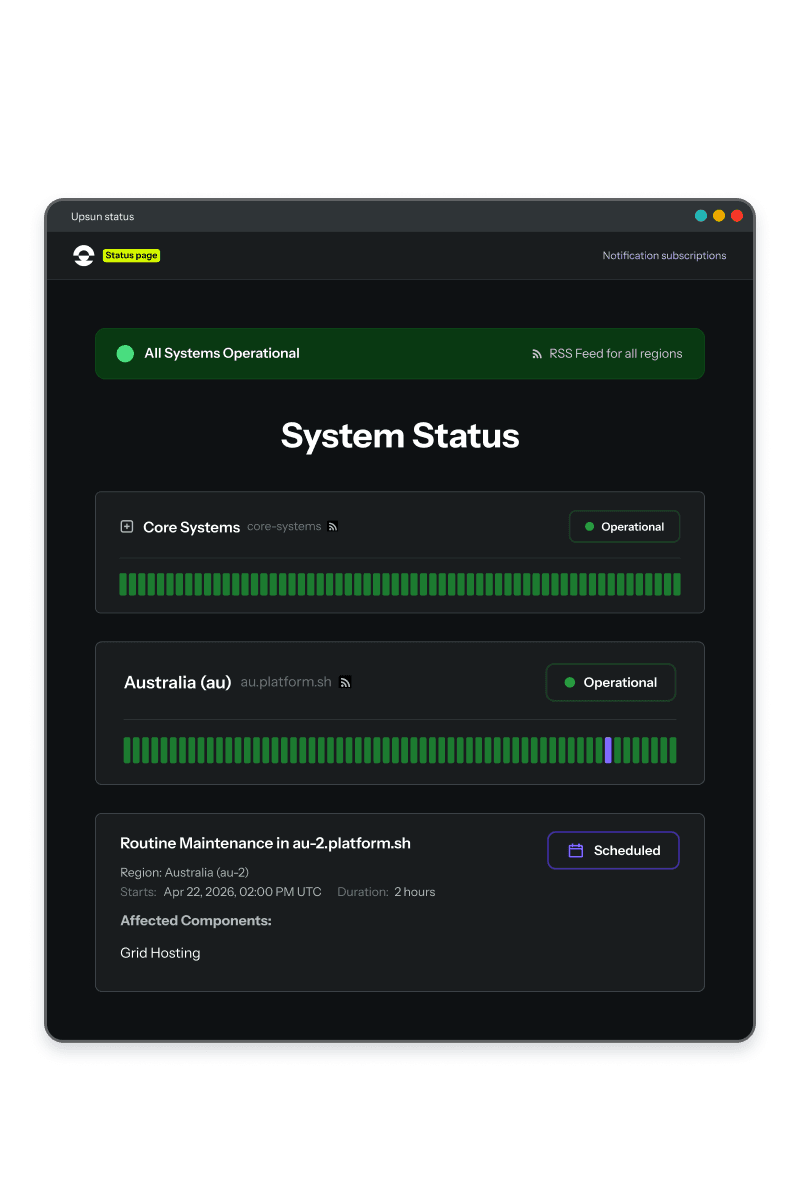 We’ve upgraded our status page to make it even easier for you to stay informed. Not only does the Upsun status page have a new look, but it also has a new home at status.upsun.com. Resubscribe now to continue receiving status notifications for region and system health, as well as upcoming maintenance events.Visit status.upsun.com to resubscribe, grab the new RSS feed, or see the status of your region or upcoming maintenance you need to be aware of.
CPU & RAM autoscaling for workers
Automatically scale worker instances based on CPU and RAM usage.
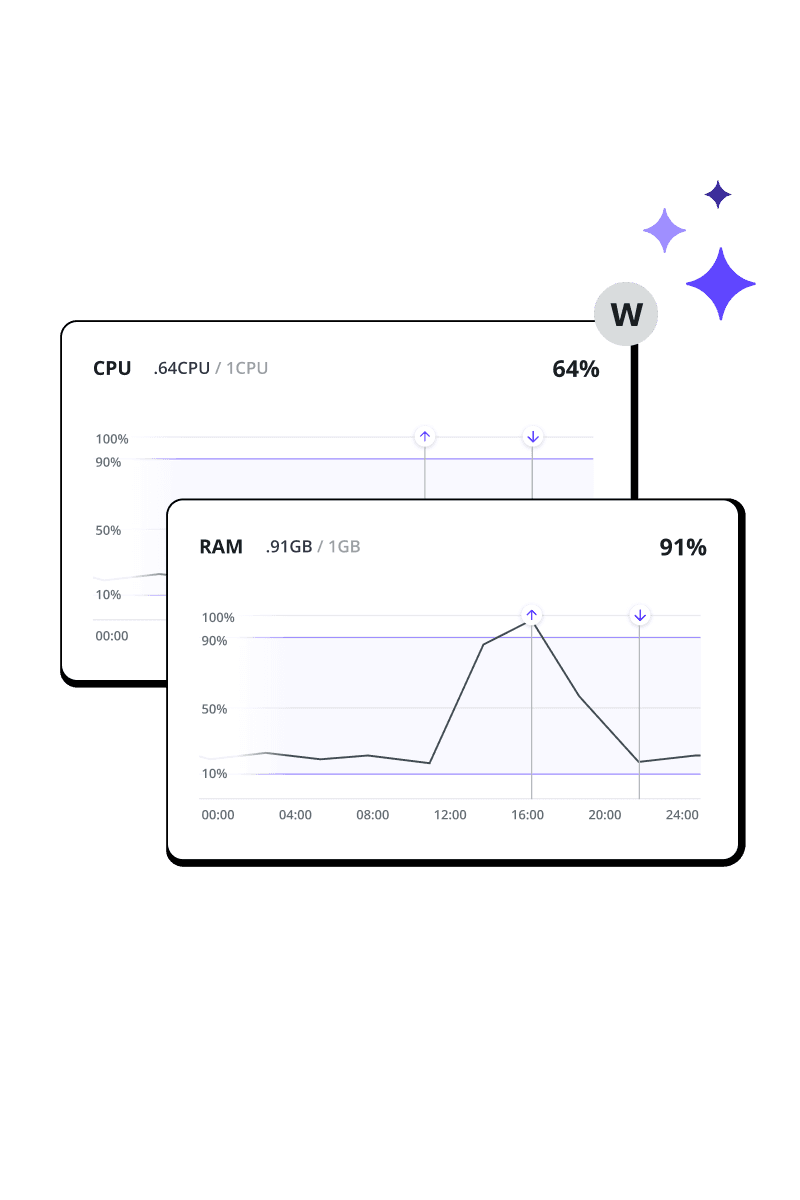 Managing worker instances manually often leads to a trade-off between over-provisioning for peak loads or risking performance bottlenecks. To simplify this, we are introducing horizontal autoscaling for workers on Upsun Flex.You can now configure your worker instances to scale automatically based on CPU and RAM utilization. This initial release provides a critical foundation for developers who need to handle resource-intensive processing without manual intervention.This feature is available immediately via the Console, CLI, and API for all projects on Upsun Flex.