Why is DATABASE_URL not defined during the build hook?
During the build hook, services are not available to avoid breaking the
application that is still live. That is why the Symfony integration does not
expose environment variables during the build hook.The cache:clear command does not need to connect to the database by default,
except if you are using the Doctrine ORM and the database engine version is not
set in your configuration.The version information can be set in your .env file or in the
doctrine.yaml configuration file. The only important pieces of information there are
the database engine and the version; everything else will be ignored.Note that the environment variables are available in the deploy hook.
To display the application log file (/var/log/app.log file), run the following command:
symfony env:log app --tail
All the log messages generated by your app are sent to this /var/log/app.log file.
This includes language errors such as PHP errors, warnings, notices,
as well as uncaught exceptions.
The file also contains your application logs if you log on stderr.Note that Upsun Cloud manages the /var/log/app.log file for you.
This is to prevent disks from getting filled and using very fast local drives instead of slower network disks.
Make sure your apps always output their logs to stderr.If you use Monolog, add the following configuration to your config/packages/prod/monolog.yaml file:
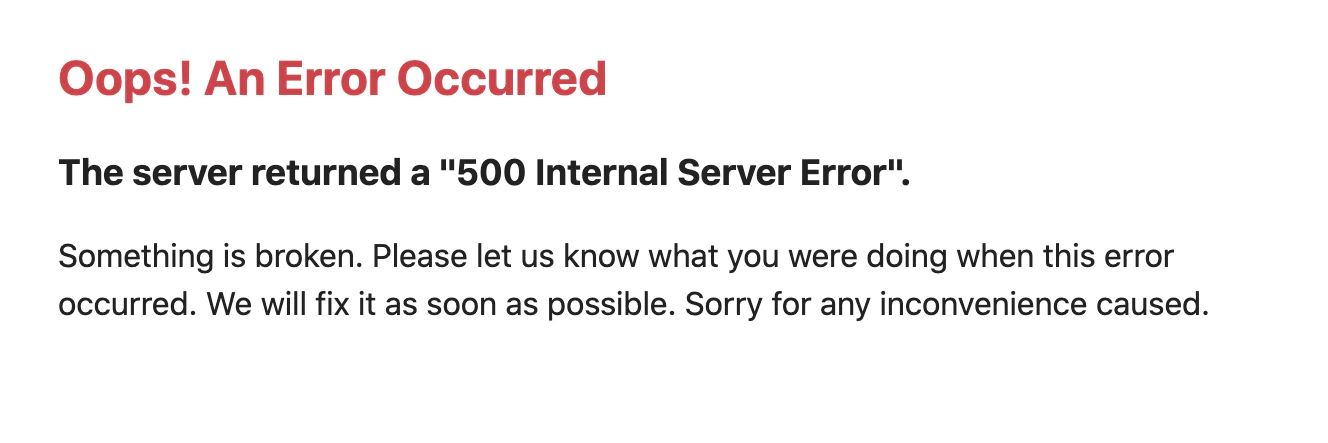
If your app’s working as expected locally but you see the previous error message on Upsun Cloud,
it usually means you have a configuration error or a missing dependency.To fix this issue, search your application logs.
They likely contain an error message describing the root cause:
If the error occurs on a preview environment,
or on the main environment of a non-production project,
you can also enable Symfony’s dev/debug mode to inspect the cause of the error:
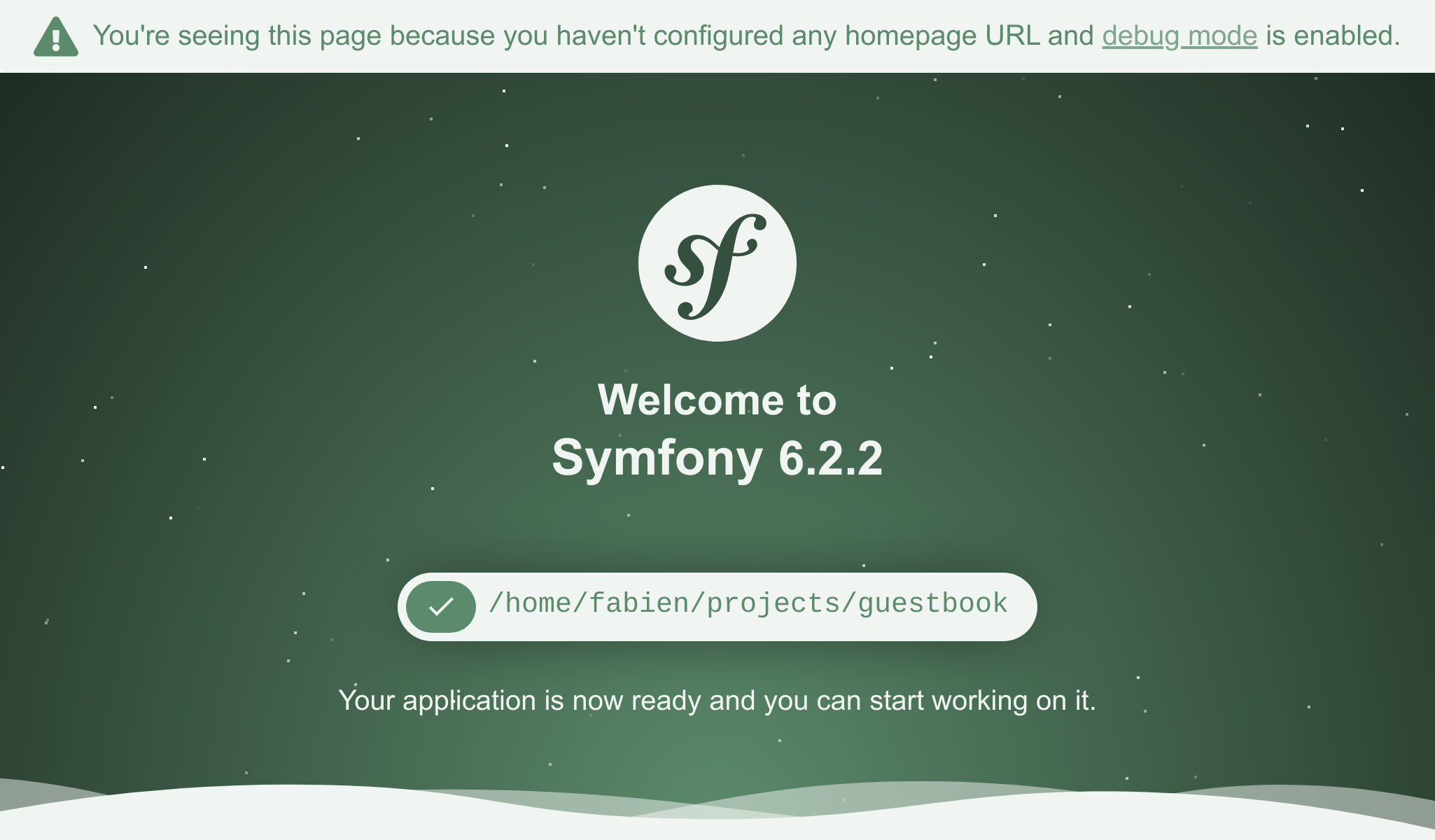
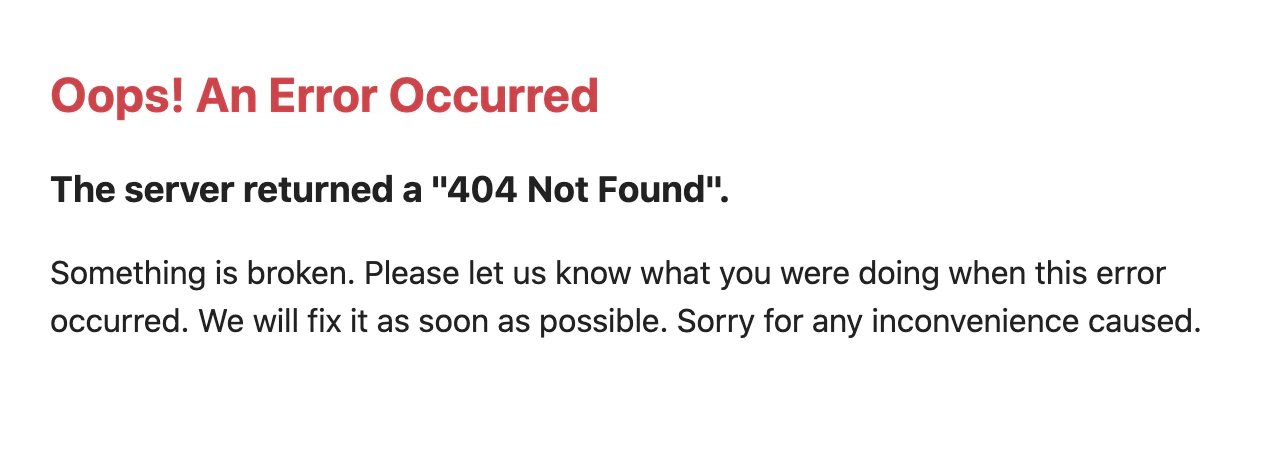
By default, new Symfony apps come without controllers, which means there’s no homepage to show.
As a result, when you run your project locally, the following welcome page is displayed:But when you run your project on Upsun Cloud, the following error is displayed instead:This is because Upsun Cloud runs in production mode, leading Symfony to show a generic 404 error.
To fix this issue, create your first Symfony page.If you’ve already created a custom homepage, make sure you perform the following actions:
Commit all your files.
Run the symfony push command and check that the deployment is successful.


 Dispatch
 Cloud
Cloud