See how to pull code from a private Git repository into your Upsun Cloud build process.
To complete its build, your Upsun Cloud project may need to access pieces of code stored in private Git repositories.
Examples include themes, libraries, and modules.
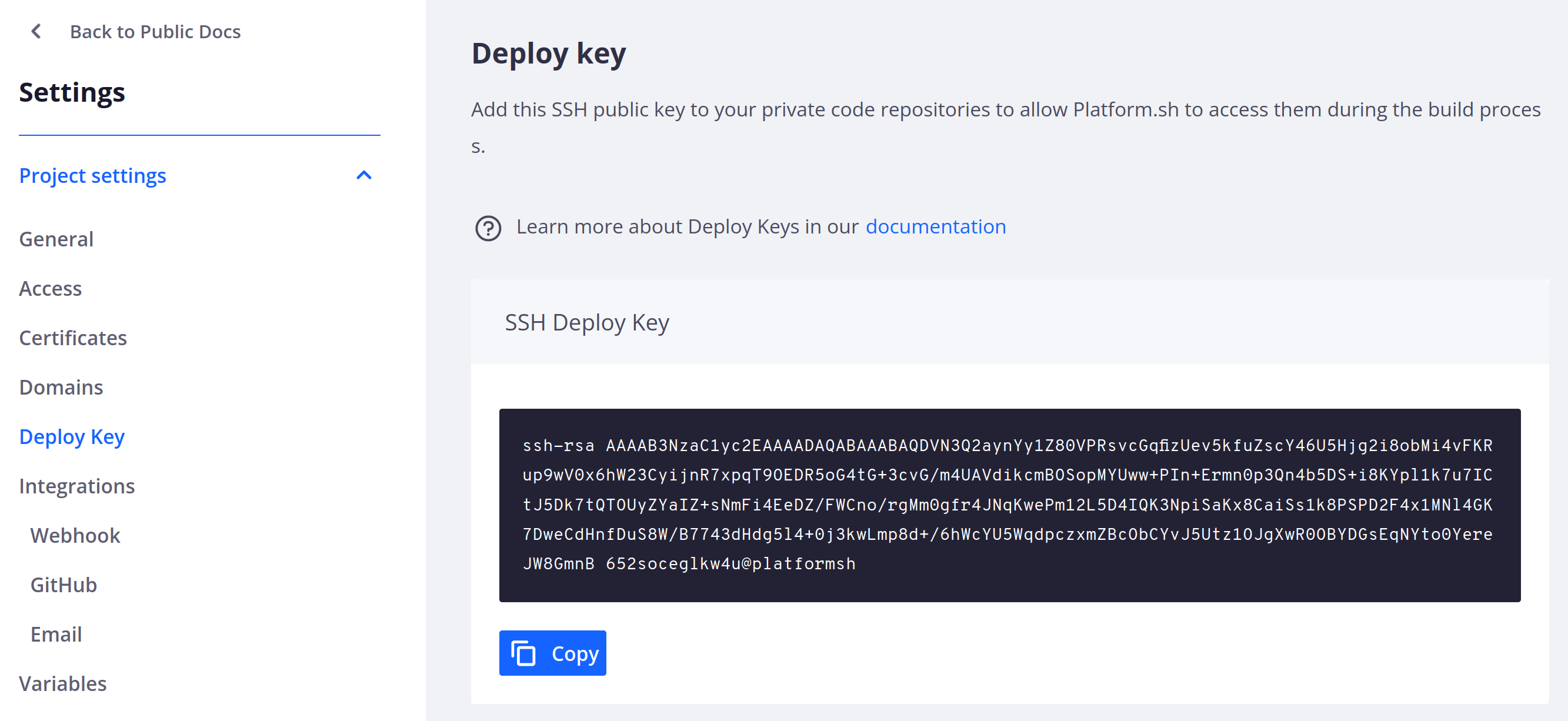
Configure these repositories to grant access to your project.To grant access to a private Git repository,
add the project’s public SSH key to your Git repository’s deploy keys.
If you’re only pulling code, the key doesn’t need write permissions.Now your Upsun Cloud project can access your private repository via SSH, including to add dependencies.This means you can access the private repository through links like:
git@<GIT_PROVIDER>:<PATH_OR_USERNAME>/<REPOSITORY>.git.
For example, you can clone a repository in your build hook:You can also use private repositories as submodules.
GitHub requires a separate deploy key for each repository.
To grant your project access to multiple repositories, create an automated user account, known as a machine user, with its own SSH key.You can then add the machine account as collaborator to specific repositories
or to a team with access to the repositories.See more information about machine users on GitHub.
Last modified on September 18, 2026
Was this page helpful?
Assistant
Responses are generated using AI and may contain mistakes.


 Dispatch
 Cloud
Cloud