Access your organization billing information
To access your organization billing information in the Console:- Navigate to your organization.
- Open the user menu (your name or profile picture).
- Click Billing.
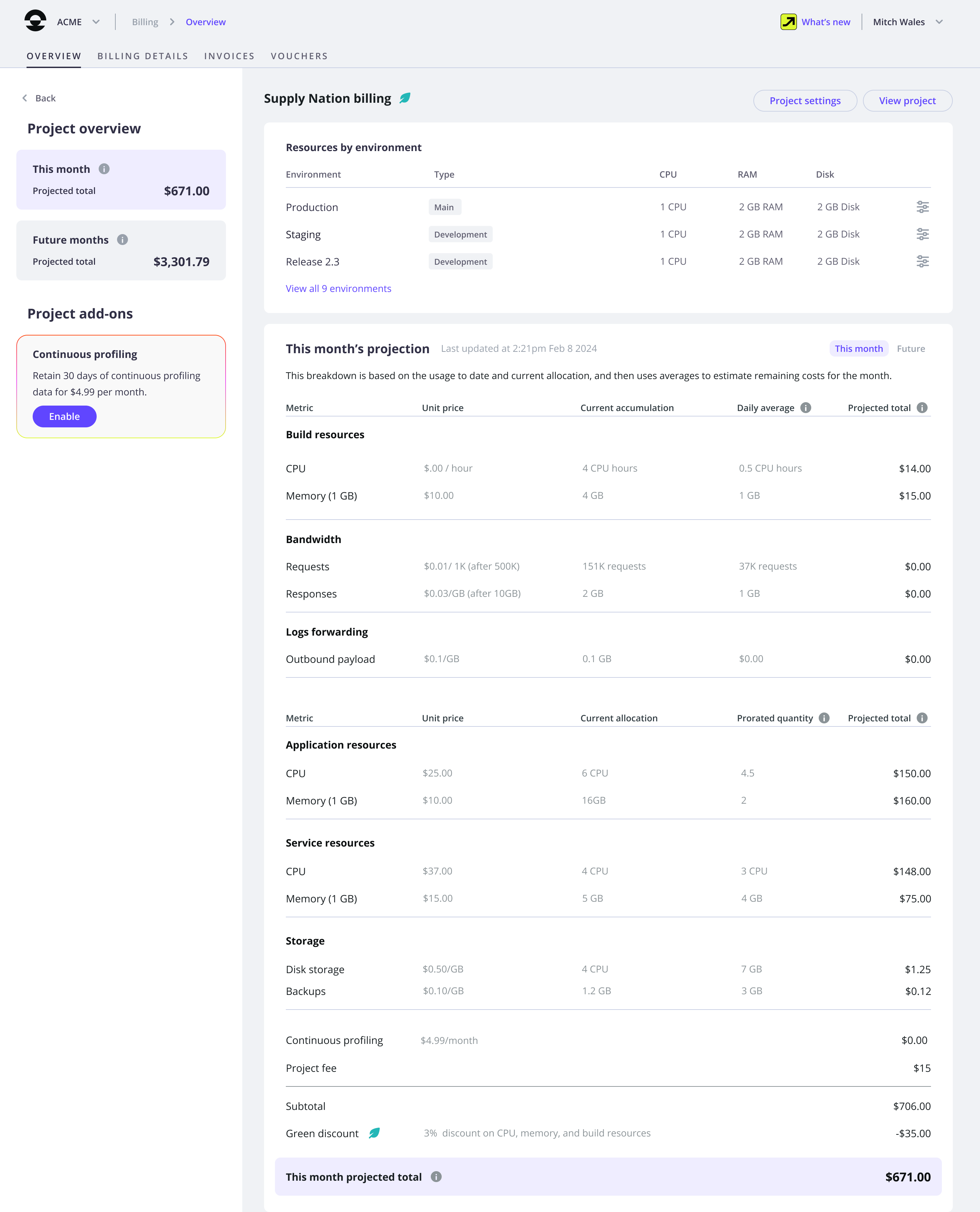
The Overview tab is displayed. You can view your current month and next month estimates.
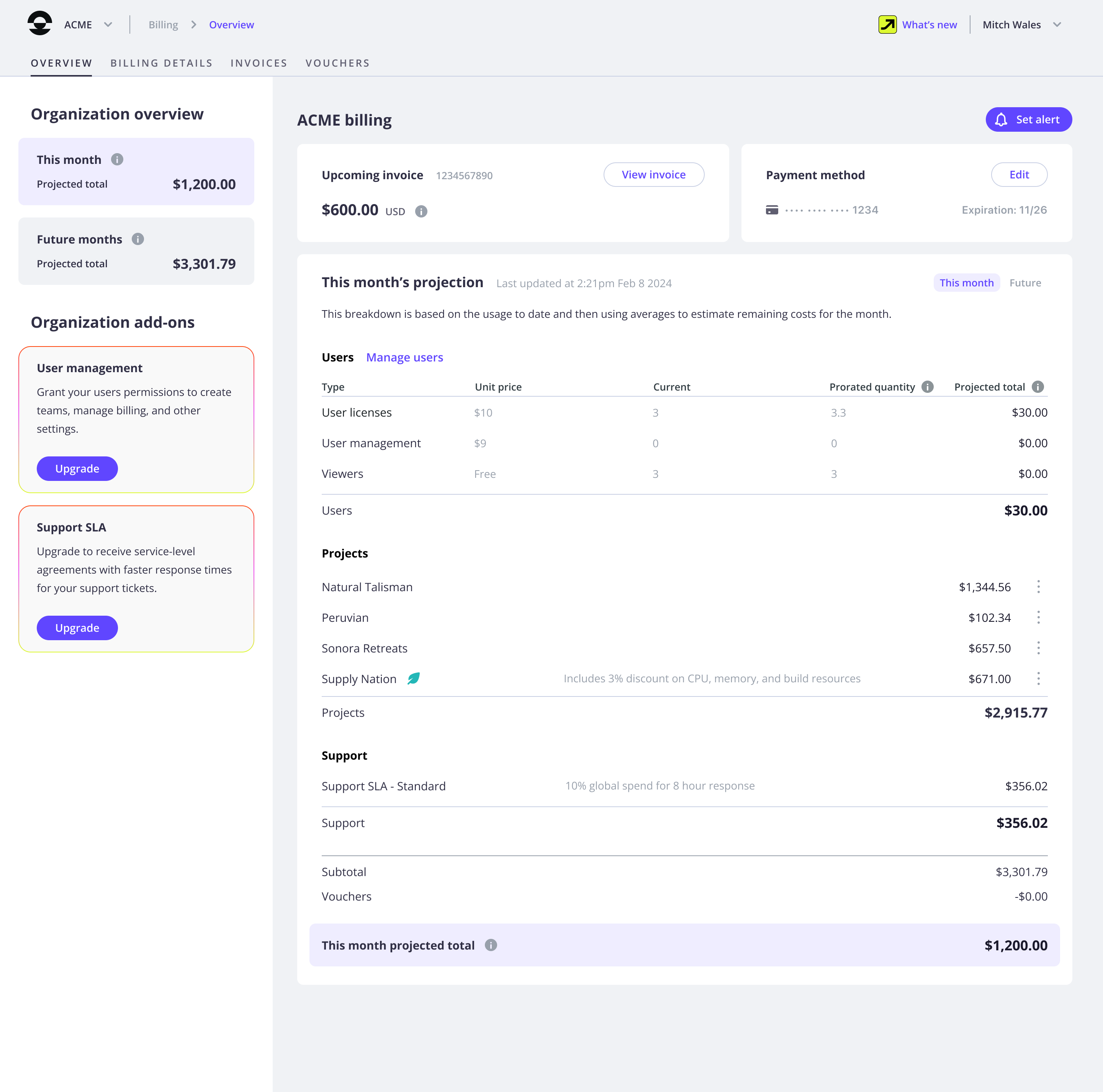
Current month estimate
The Overview tab shows an estimate of how much you may be charged at the end of this month.This estimate is based on:
- Your organization settings (user management settings, number of projects, potential add-ons, support SLA, etc.)
- Your resource allocation on each project
- User management estimate
- Accumulated resource usage estimate
- Allocated resource usage estimate
The following formula is used to estimate how much user license and user management add-on fees may cost you this month:
All items used for the calculation are displayed in the Overview tab.
unit price x prorated quantity.| Item | Description |
|---|---|
unit price | A fixed unit price. |
prorated quantity | An average of past changes and current settings, applied for all the remaining days in the month. |
Next month estimate
From the Overview tab, you can also access an estimate for next month. Like your current month estimate, it includes your organization settings and resource allocation on each project. However, your next month estimate does not include any history of changes. It is solely based on your current organization settings and resource allocation, and shows what you may be charged if you don’t make any changes until the end of next month. The following formulas are used:-
unit price x current allocationto estimate how much user license, user management add-on fees, and allocated resources may respectively cost you next month. -
unit price x daily average x 30 daysto estimate how much accumulated resources may cost you next month.
Invoice
Your invoice provides definitive information on what you will be charged. It is calculated at month-end close, and includes your actual organization settings and resource usage. To access your current invoice and a history of past invoices, open the Invoices tab: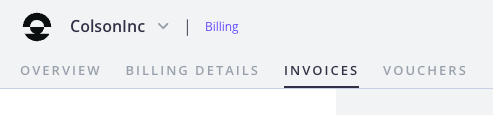
Manage billing alerts
Feature availability
Billing alerts can only be set and received by the organization owner, users with the Manage Billing permission, and identified billing contacts.Set a billing alert
You can set billing alerts to receive an email when your current month estimate reaches a defined threshold. To set a billing alert on your organization:- Navigate to your organization.
- Open the user menu (your name or profile picture).
- Click Billing.
- In the Overview tab, click Set alert.
- Enter a threshold.
- Click Create alert.
Edit a billing alert
To edit or delete a billing alert, click the billing alert button in the Overview tab:
Monitor monthly traffic usage
You can also set up consumption alerts for your resource usage. To do so, click the Alert button in the “Traffic this month” block within Console: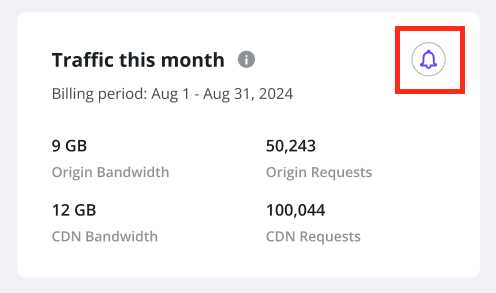
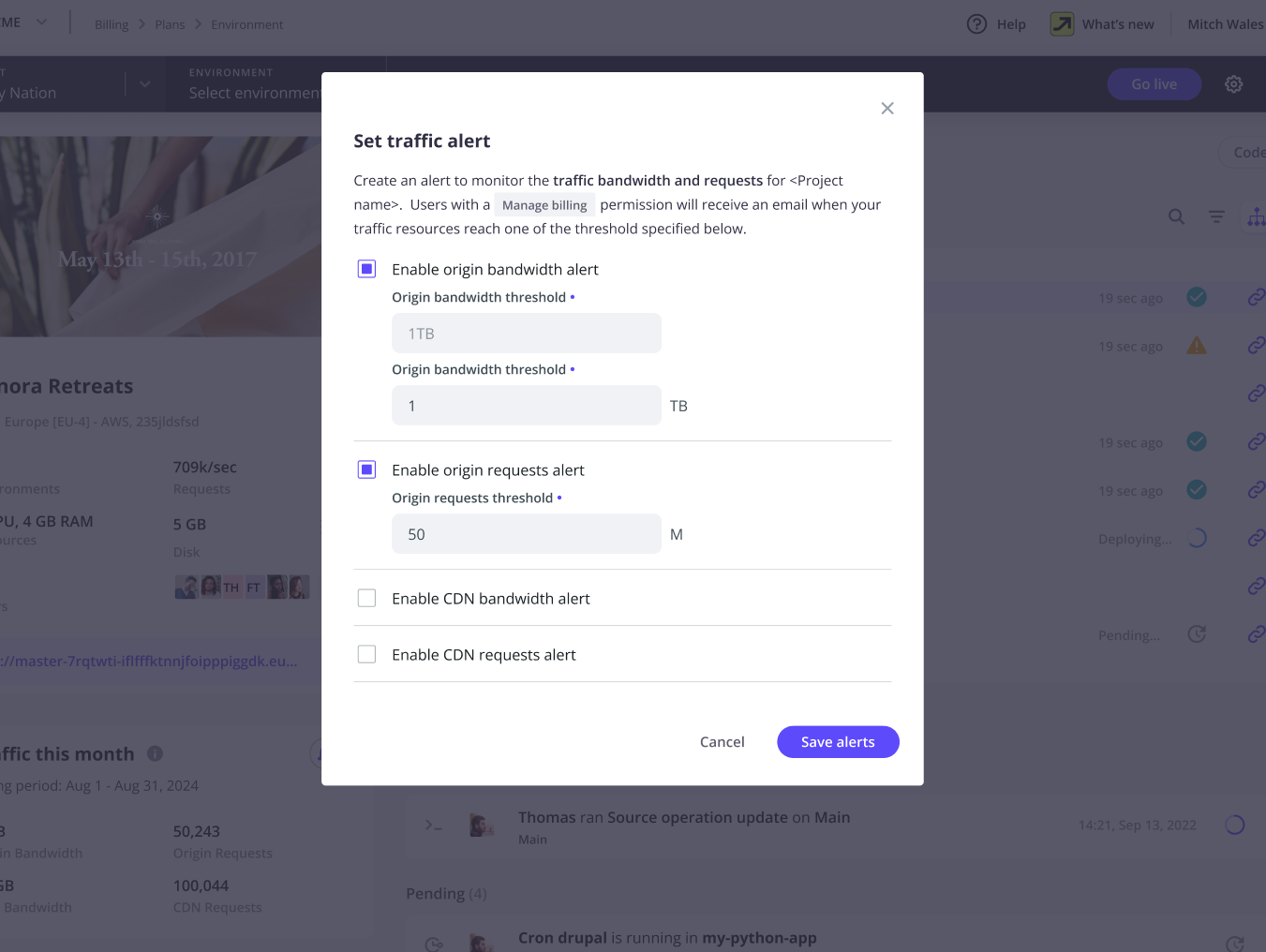
Monthly traffic alerts
For all projects where an alert has been defined and enabled, if monthly usage rises above the defined threshold, an email is sent to the same list of users who receive billing alerts:- Organization owner
- Organization members with billing role
- Billing contact of the organization (if there is one)
Track resource usage on a project
Feature availability
This feature is available to users with the Manage Billing permission on the organization.- Navigate to your organization.
- Open the user menu (your name or profile picture).
- Click Billing.
Your current month estimate shows how much each project in your organization is expected to cost this month. - You can select a project to view resource allocation and usage details.
To do so, click More next to it, and select Project Billing.