

 Dispatch
 Cloud
CloudWhy NoCode?
- ⚡ Faster time to market – Build tools in hours, not weeks.
- 💸 Lower development cost – No need for full-time developers.
- 🙌 Accessibility – Anyone on your team can contribute.
- 🔌 Integration ready – Easily connect hundreds of services like Slack, Google Sheets, Notion, and more.
Deploying n8n on Upsun (Step-by-Step)
Let’s set up n8n on Upsun — a self-hosted, open-source alternative to Zapier or Make.com.Prerequisites
- An Upsun account
- Git installed locally
Create your project root
Configure your n8n app
Create a.upsun/config.yaml file in your project root:
Please note:As it is not possible to define “dynamic” environment variable (e.g. using another existing environment variable value) in the
variables.env section,
we are using the hooks.build (line 31) to set N8N_PORT environment variable using internal $PORT environment variable.Create an Upsun project
To create an Upsun project, execute the following command line:Deploy to Upsun
Start Automating
You can then open the frontend by using the following command line: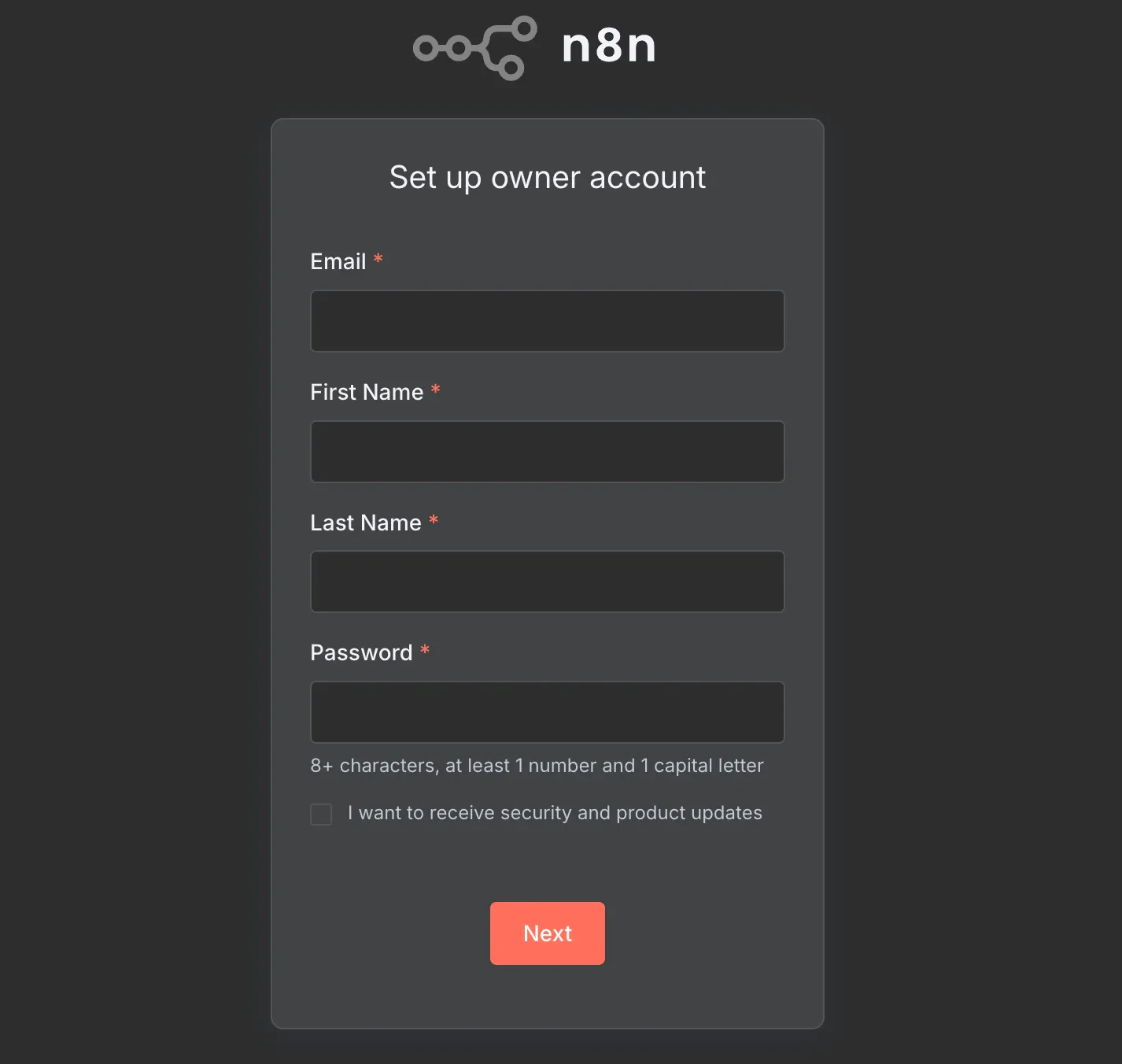
🔍 Example Use Cases
Here are just a few real-world automations you can build with n8n on Upsun:- 📧 Email Marketing: Sync new Airtable contacts to Mailchimp.
- 💬 Slack Alerts: Notify your team when a customer submits a form.
- 📈 Social Monitoring: Track Twitter mentions and store them in Notion.
- 🗂️ File Watchers: Upload new Dropbox files to Google Drive automatically.
Conclusion
With Upsun, deploying and scaling powerful NoCode tools like n8n is fast, secure, and seamless. Whether you’re a technical founder or a business user, you now have the power to automate anything — without DevOps or complex infrastructure. 👉 Start building smarter workflows with n8n + Upsun today. 🚀 Have questions or need help setting up your first workflow? Feel free to reach out on the Upsun Community Forum.Demo Project on our Github Upsun