Dispatch
 Cloud
CloudThe complete source code for this tutorial is available on GitHub: upsun/tutorial-chromadb. You can clone this repository and deploy it directly to Upsun.
Why Chroma?
Chroma excels in several use cases:- Semantic Search: Find documents based on meaning rather than exact keyword matches
- Retrieval Augmented Generation (RAG): Enhance LLMs with relevant context from your knowledge base
- Recommendation Systems: Build similarity-based recommendation engines
- Content Classification: Automatically categorize documents based on their semantic content
- Duplicate Detection: Identify similar or duplicate content across large document collections
Architecture Overview
Our setup includes three applications:- Chroma Server: The vector database with persistent storage
- Python Application: Uses uv for dependency management and Flask for the web interface
- Node.js Application: TypeScript-based Express server
Chroma configuration on Upsun
The.upsun/config.yaml file defines our multi-applications setup. Let’s start with the Chroma server configuration:
- Persistent Storage: Chroma uses mounted volumes to persist data between deployments
- uv Integration: Uses uv for fast, reliable dependency management
- Internal Access: Other applications connect via internal networking
chroma.internal hostname.
Python implementation
The Python application uses uv for dependency management and includes both ingestion and web interface capabilities.Upsun configuration
Document ingestion
The ingestion script processes markdown files and stores their embeddings:Flask web interface
The main application provides a web interface to view stored documents:Node.js implementation
The Node.js application uses TypeScript and Express, with similar document ingestion capabilities.Upsun configuration
TypeScript ingestion script
Express web server
Deployment
To deploy this setup:-
Clone the repository:
-
Create a new Upsun project:
-
Set up the OpenAI environment variable:
-
Deploy to Upsun:
- Set up the Chroma server with persistent storage
- Build and deploy both Python and Node.js applications
- Automatically run document ingestion during deployment
- Configure internal networking between applications
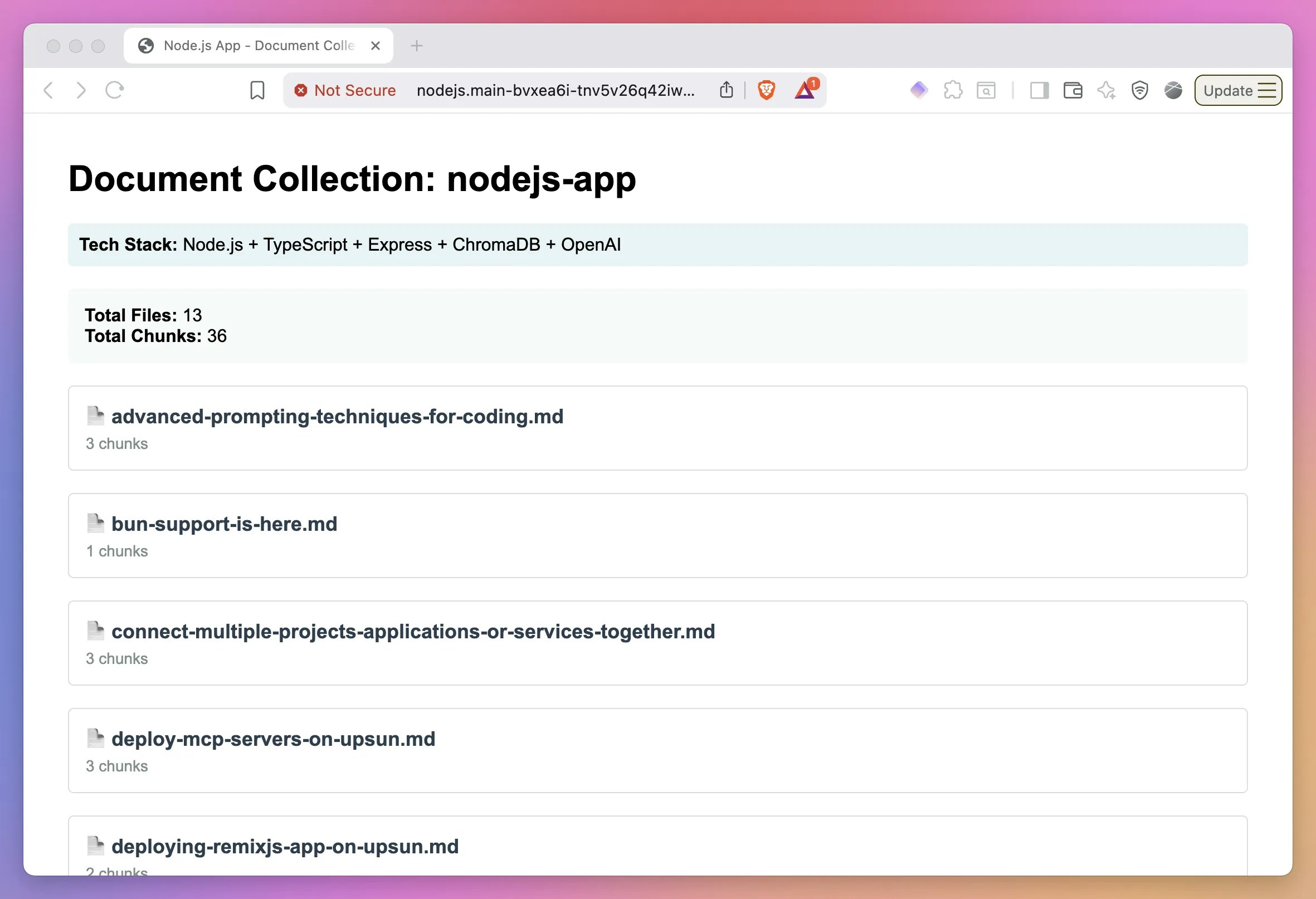
deploy hook injests the data for both apps:
Python app:
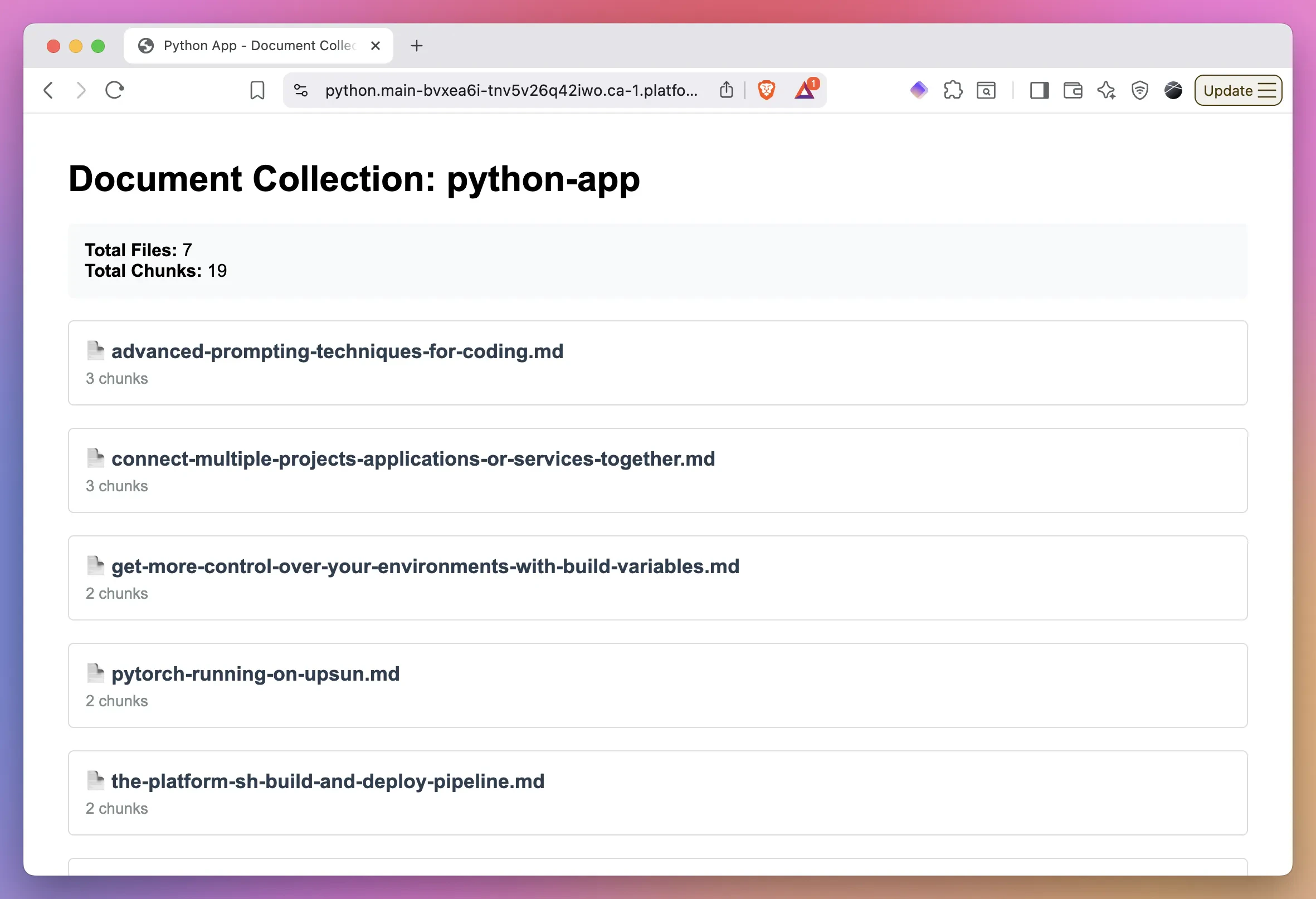
Node.js app: