

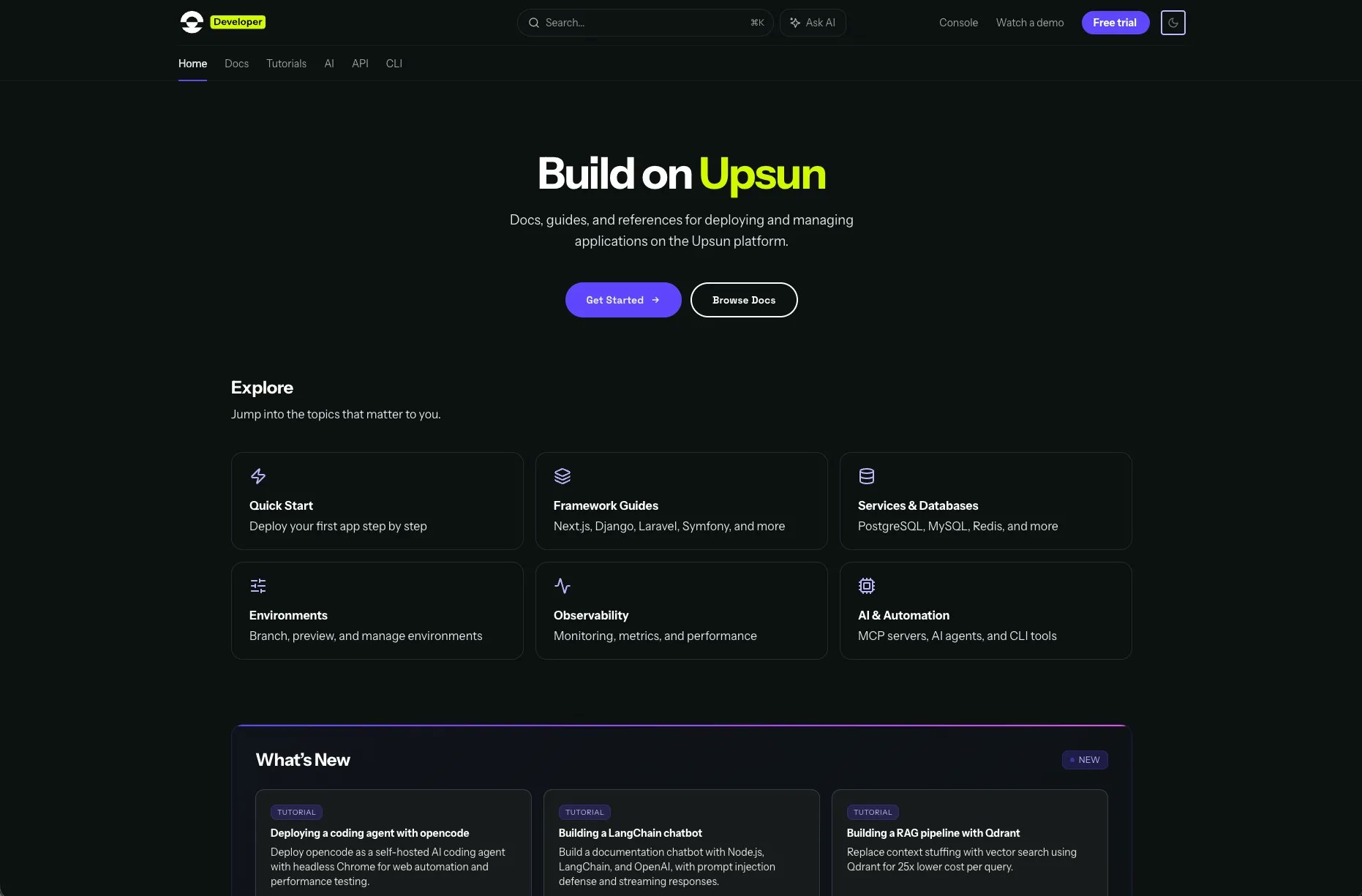
What’s new
llms.txt support. The new docs ship with an llms.txt file, a structured index designed specifically for how LLMs process information. Instead of an agent crawling and synthesising across dozens of HTML pages, it gets a comprehensive map of the documentation in a format optimised for AI context windows. This is the most direct improvement for agent-readiness. Machine-readable metadata on every page. Every page includes structured frontmatter: title, description, relationships to other docs, prerequisites. When an agent needs to determine which page answers a developer’s question, this metadata provides explicit signals rather than forcing the agent to infer from content alone. Built-in AI assistant. The new docs include an integrated AI assistant that answers questions directly from the documentation context. Ask it how to add a worker to your application or configure a custom domain. It pulls from the full docs to give you a grounded answer. Better search. Built-in search replaces our previous custom implementation. Describe what you’re trying to do and get relevant results, rather than relying on exact keyword matches. Cleaner content architecture. We restructured the information architecture across five clear sections: docs, tutorials, API reference, CLI reference and AI integrations. This hierarchy helps both human navigation and agent retrieval. When content is organised by purpose rather than format, agents can locate the right page faster. Improved reading experience. Cleaner typography, better navigation and more scannable content, whether you’re following a getting-started tutorial or debugging a production issue.Why agent-readiness
If you’ve used Claude Code, Cursor or GitHub Copilot to work with a platform’s documentation, you’ve experienced the gap. The agent reads the docs, makes assumptions and generates code. Sometimes it works. Often it doesn’t, and you spend more time debugging the agent’s confident mistakes than you would have spent writing the integration yourself. The quality of that answer depends on several things: how well the documentation is structured for retrieval, whether the agent can determine which page is relevant, and whether the content on that page is unambiguous enough to generate correct code from. For a cloud application platform, this matters more than most. Developers use documentation to configure services, set up environments, troubleshoot deployments and understand platform capabilities. These are exactly the tasks that AI coding assistants handle now. If your docs aren’t structured for agent consumption, you’re adding friction to the workflow most developers are adopting. The migration addressed this at multiple layers. llms.txt gives agents a structured entry point. Metadata on every page helps with retrieval accuracy. A cleaner content hierarchy reduces the chance of an agent pulling information from the wrong context. None of these changes make the docs worse for humans. They make them better for everyone.The migration
We built a TypeScript CLI with 60+ custom migration commands to handle the conversion at scale. Proprietary shortcodes were mapped to their new equivalents, vendor-specific references resolved to template variables, and content was restructured into a clean hierarchy across docs, API references and guides. Every page was validated for rendering, link integrity and content completeness. The numbers:- 244+ pages migrated
- 293 URLs redirected through redirection.io
- 100% test pass rate across all pages
- 33 redirect rules covering every legacy URL
docs.upsun.com, it redirects to the correct page on developer.upsun.com.